Melo · iPhone & iPad

Give your favorite songs a new look.

Melo brings your music collection, animated lyrics, and immersive backgrounds together — a player you can browse, watch, and get lost in.

iOS 18 or later · Apple Music, local files, and NAS servers

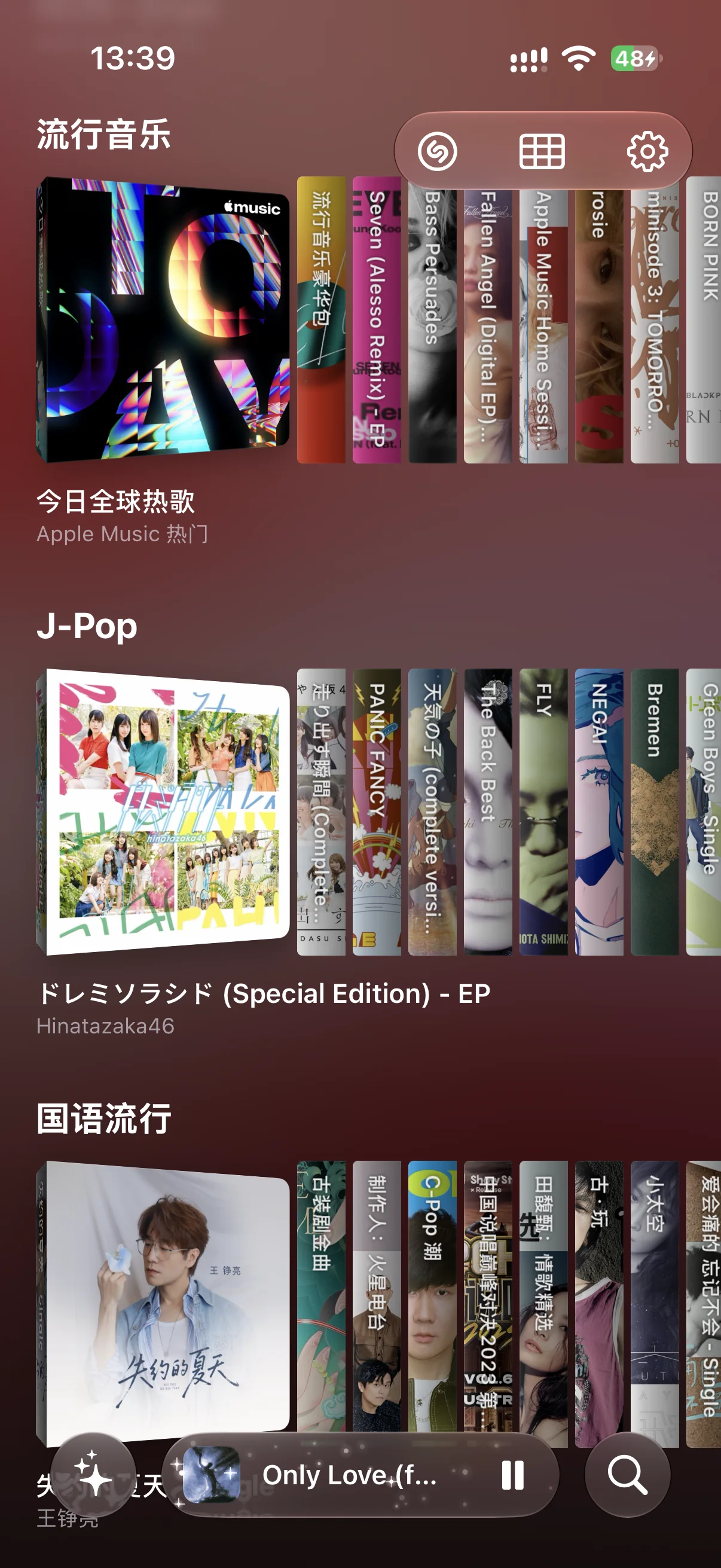
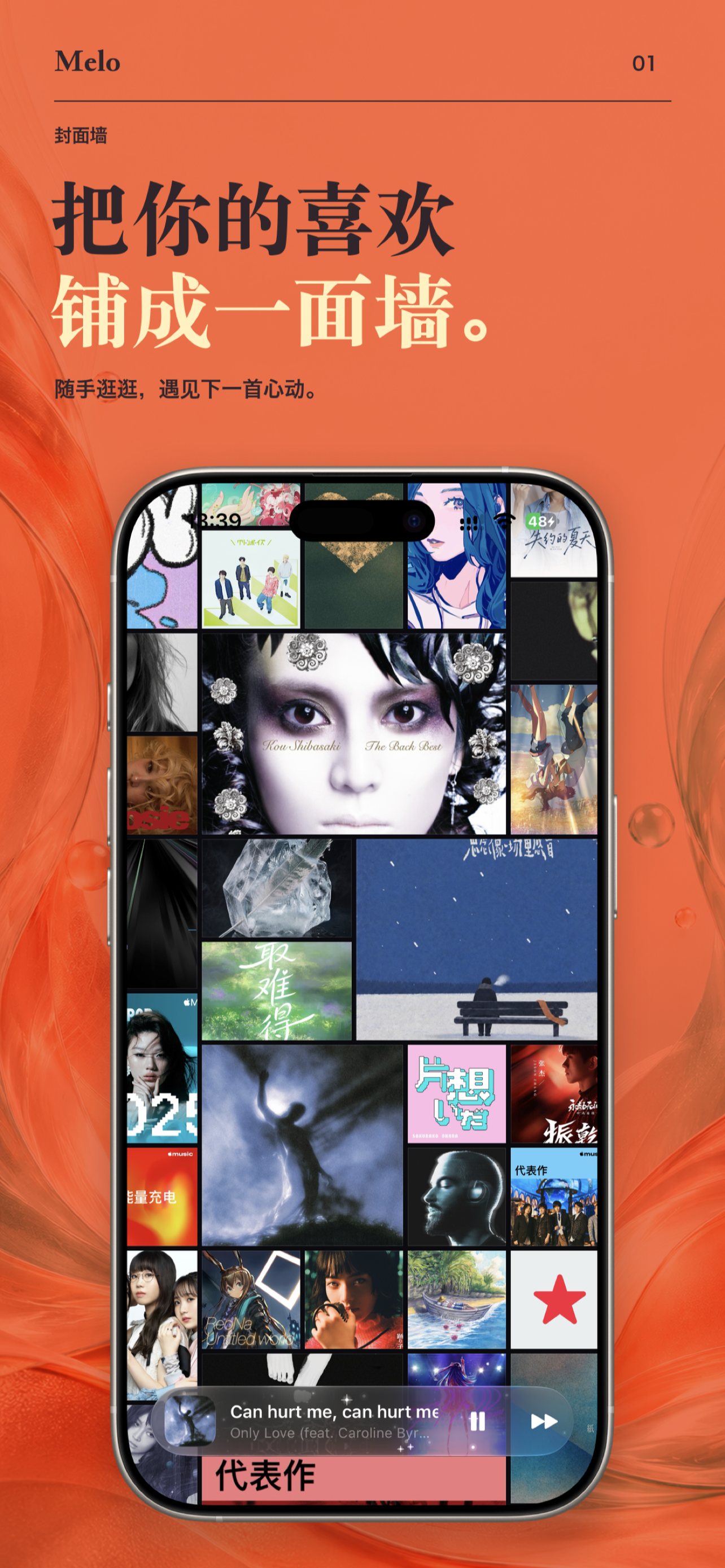
Cover Wall

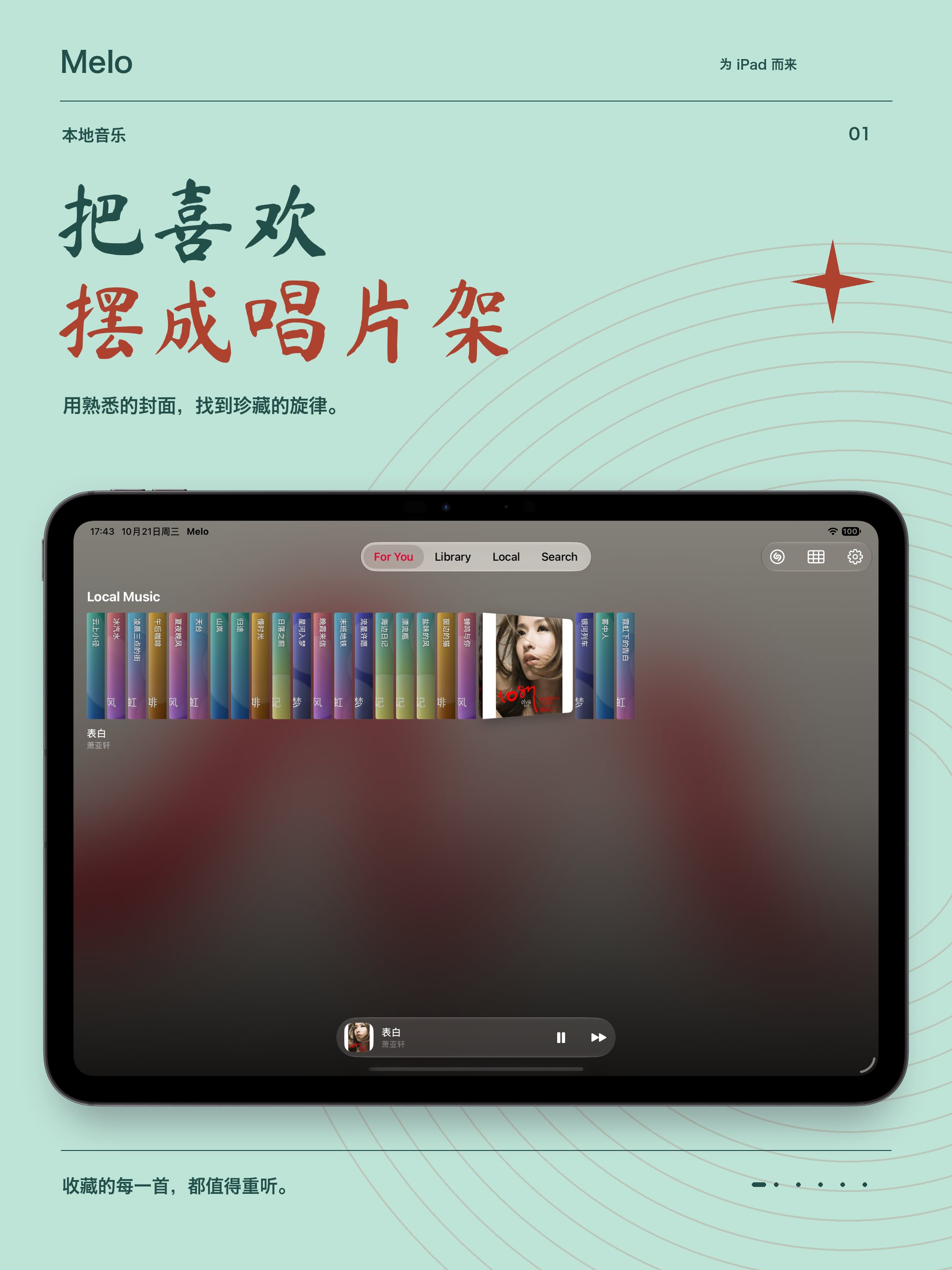
Your collection, laid out like a wall.

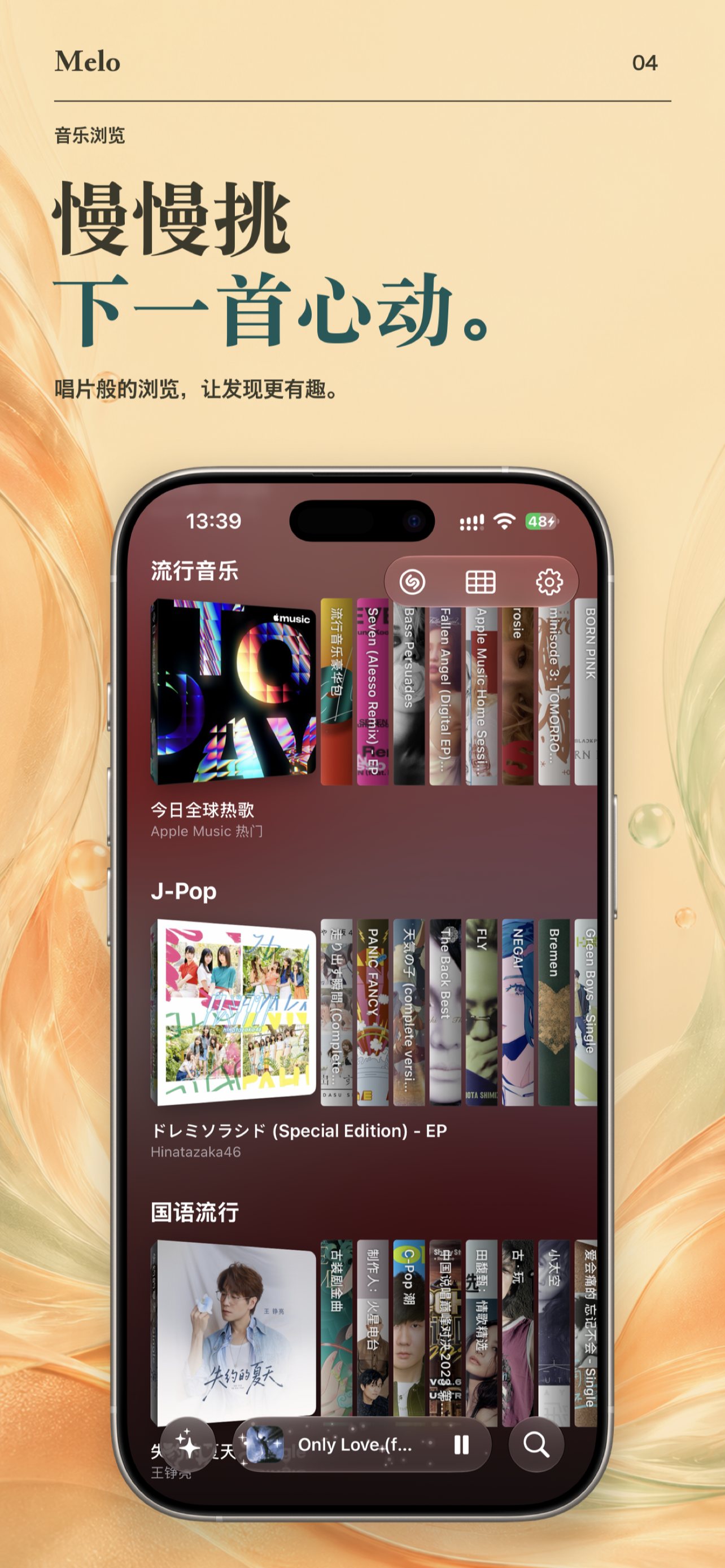
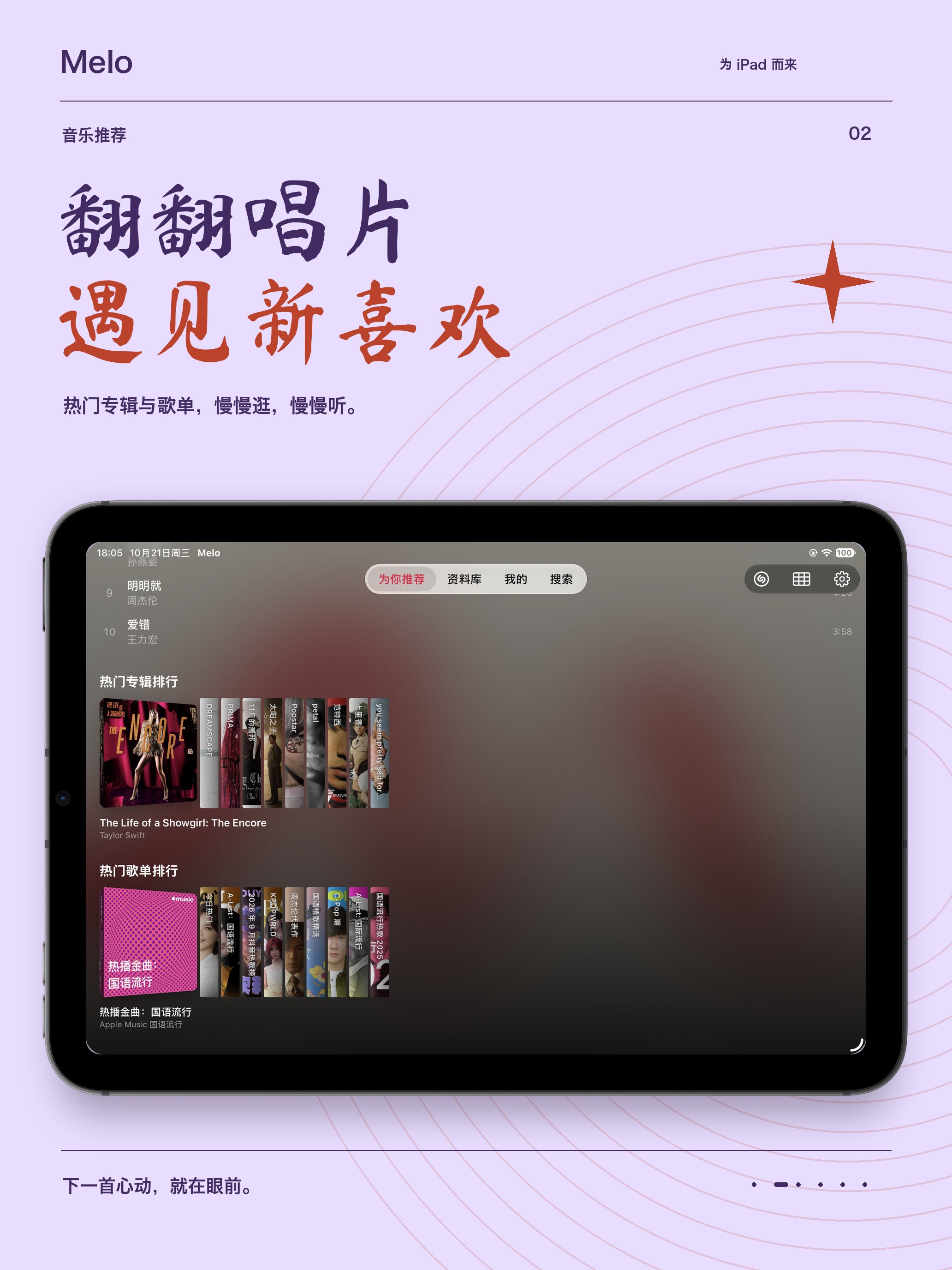
Drift through a wall of album covers and find your next listen by sight. Leave it alone for a moment and it wanders on its own — touch anywhere to stop. When you know what you want, switch to the classic grid and browse albums, playlists, and recommendations at your own pace.

  • Drag to wander the wall
  • Immersive drift when idle
  • Switch to Classic Grid anytime
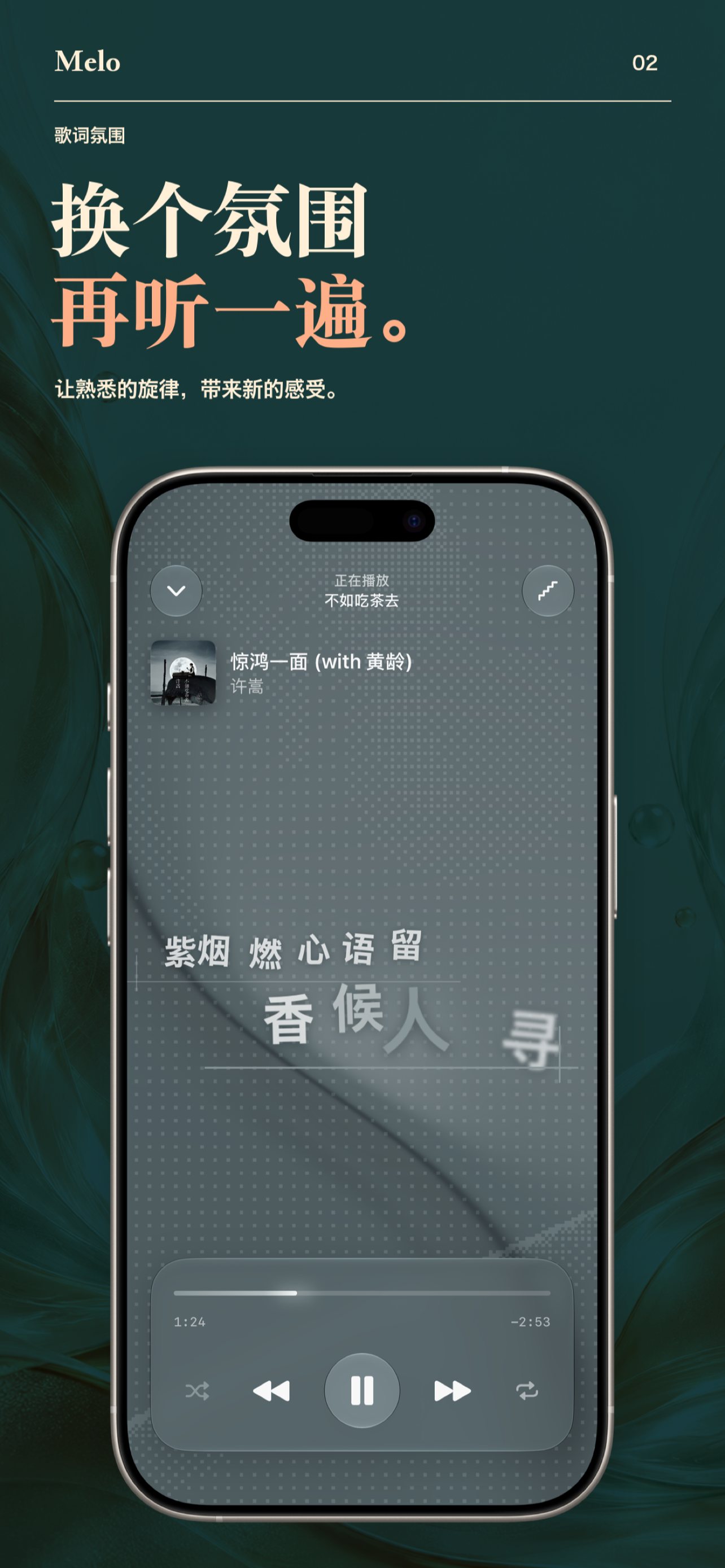
Lyric Ambiances

One song, ten moods.

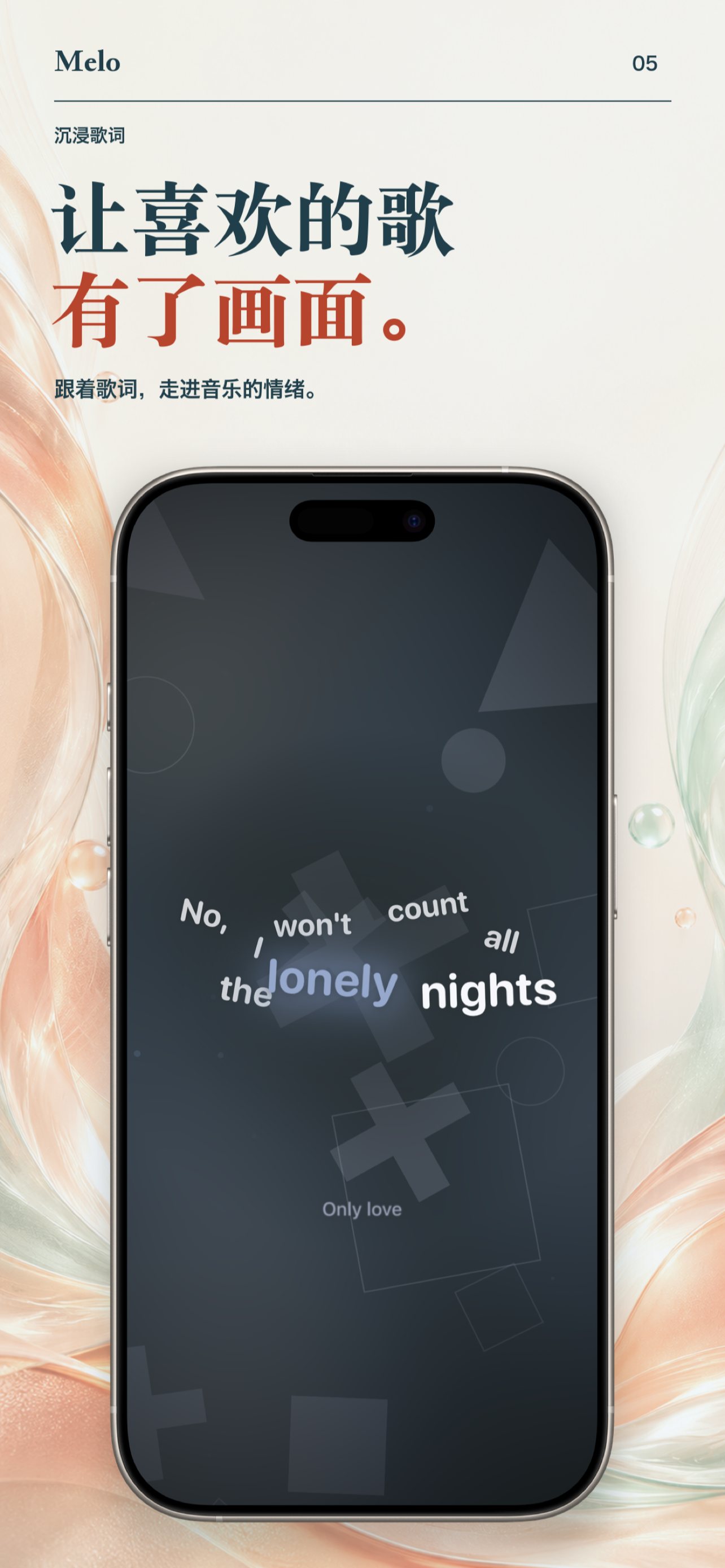
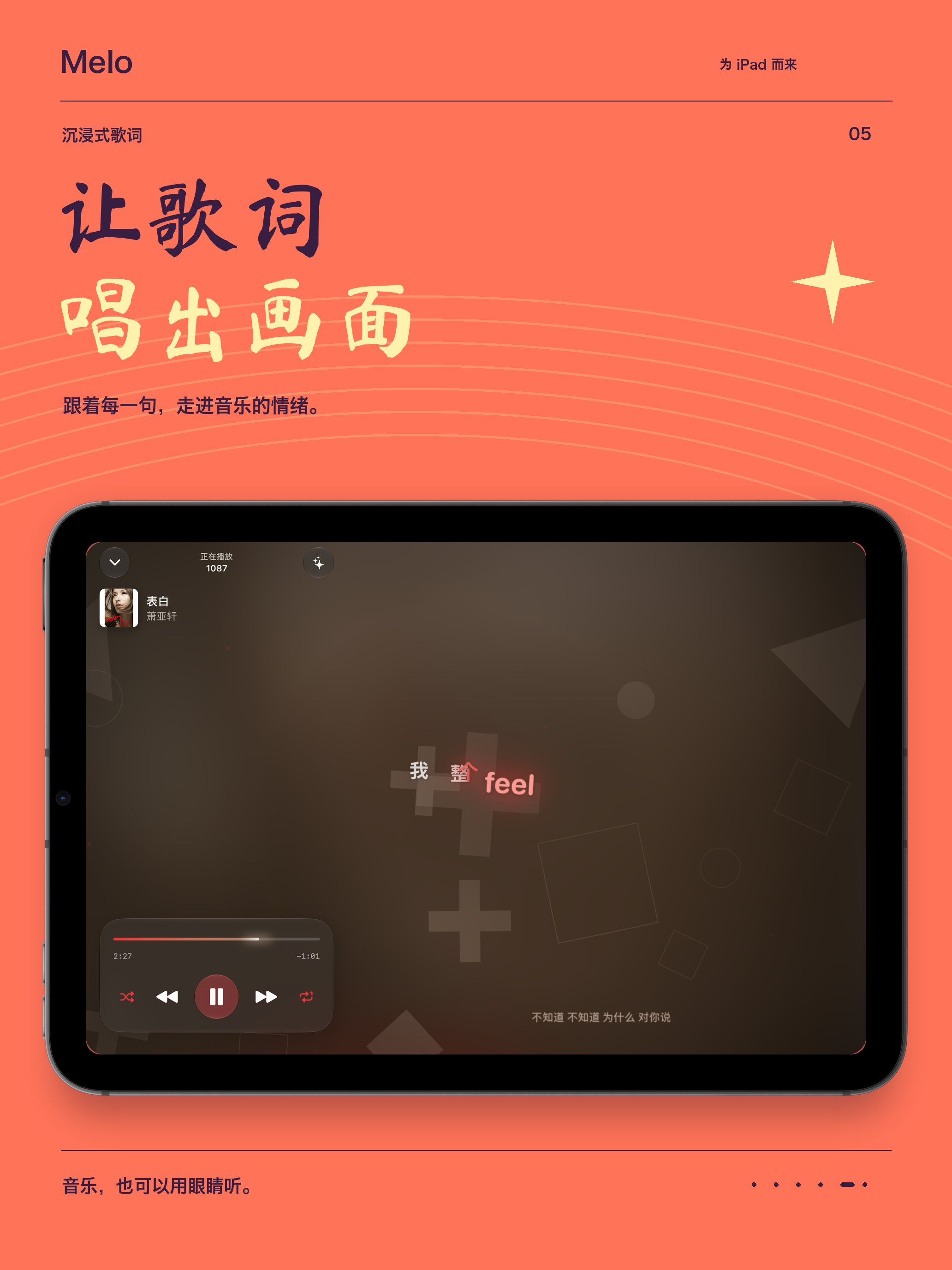
Ten lyric styles set the type, layout, and motion of every line. Colors drawn from the album artwork flow through starlit, fluid, and paper-inspired backgrounds, with a gentle parallax as you tilt the phone. Prefer it calm? Turn the motion down and listen quietly.

Lyric styles — Partita
Partita
Lyric styles — Tide
Tide
Lyric styles — Staccato
Staccato
Lyric styles — Fume
Fume
Melo playing a song with lyrics over a full-bleed background drawn from the album artwork
Immersive mode Motion can be reduced anytime in settings.

At a Glance

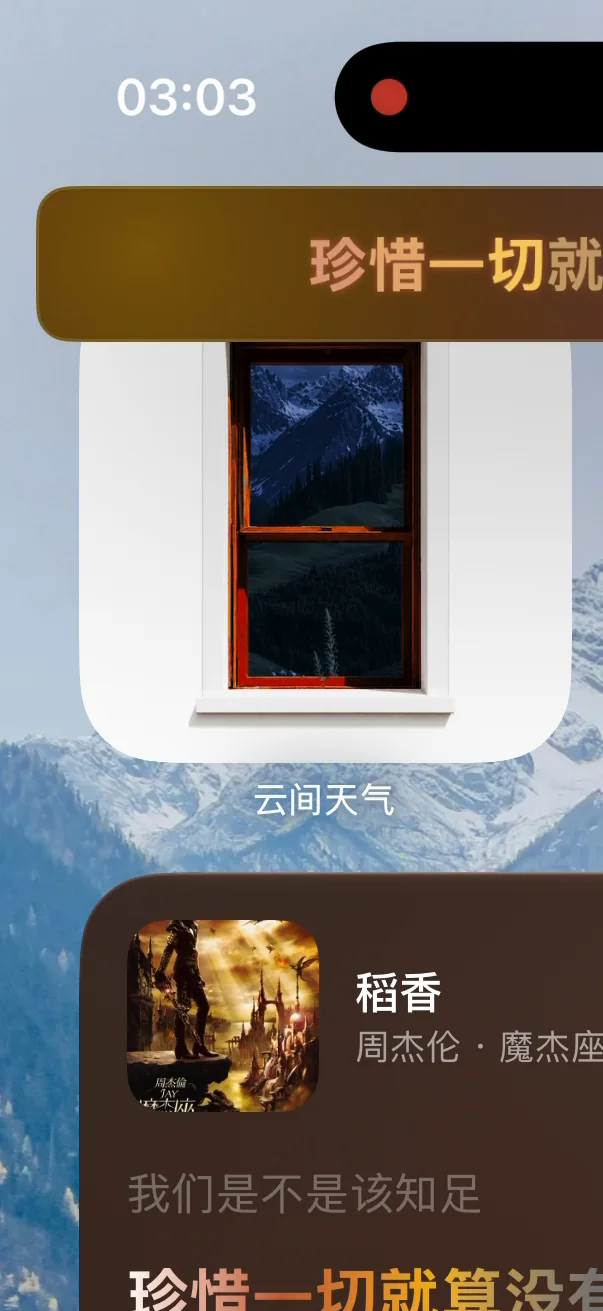
The line you love, wherever you look.

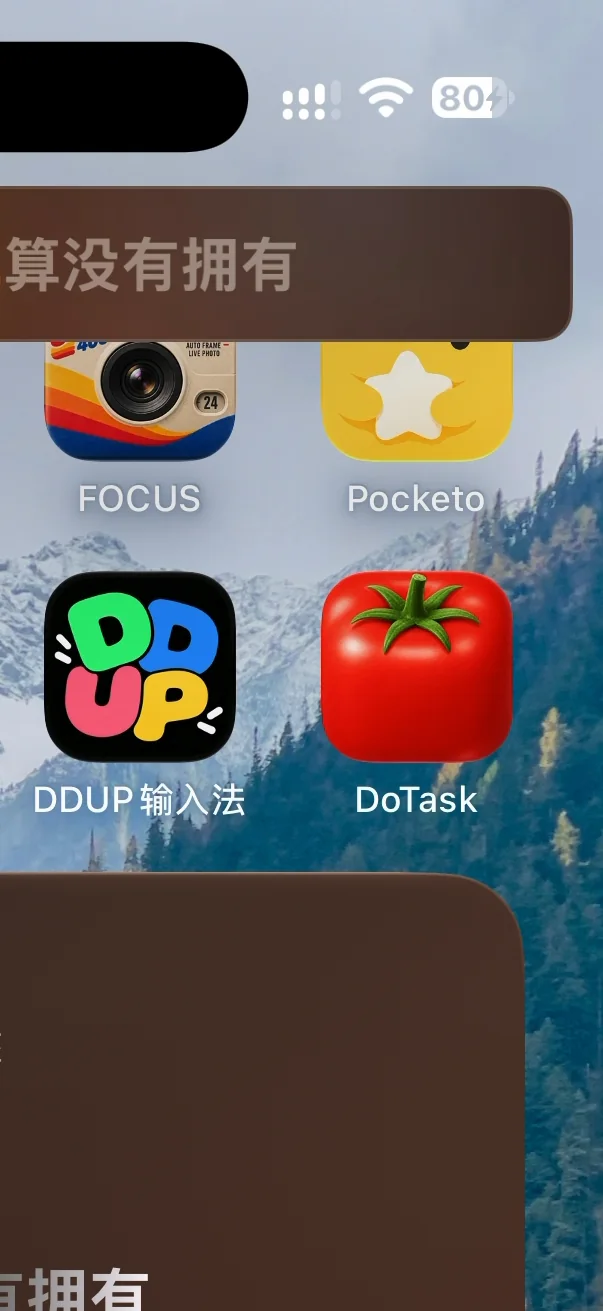
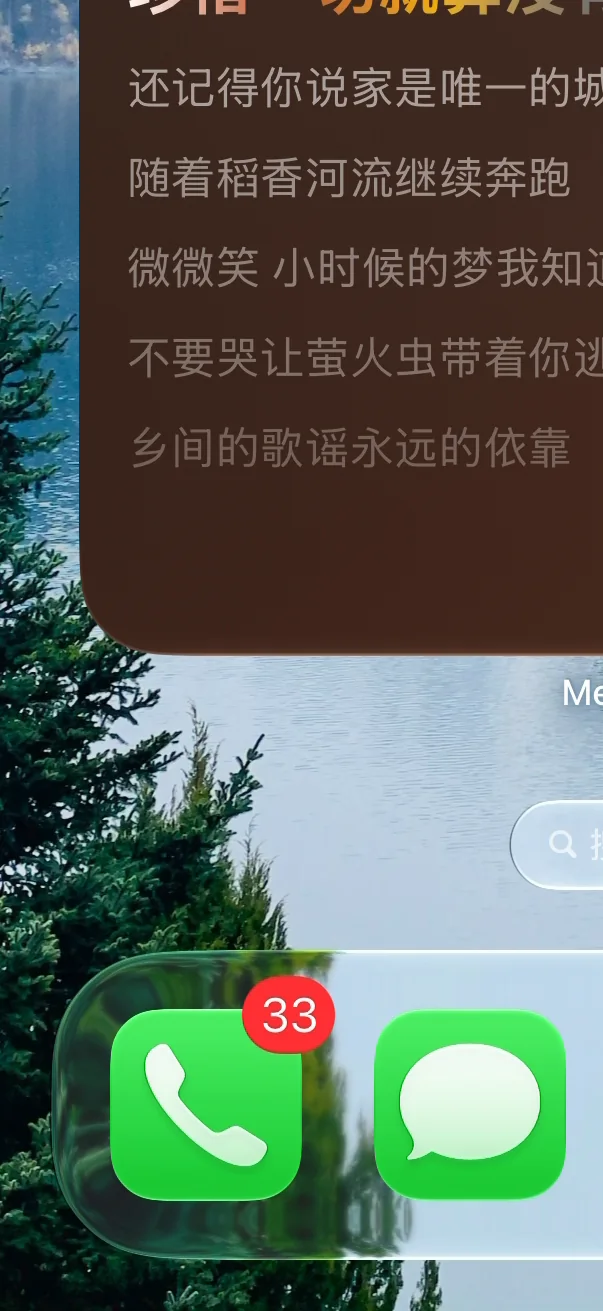
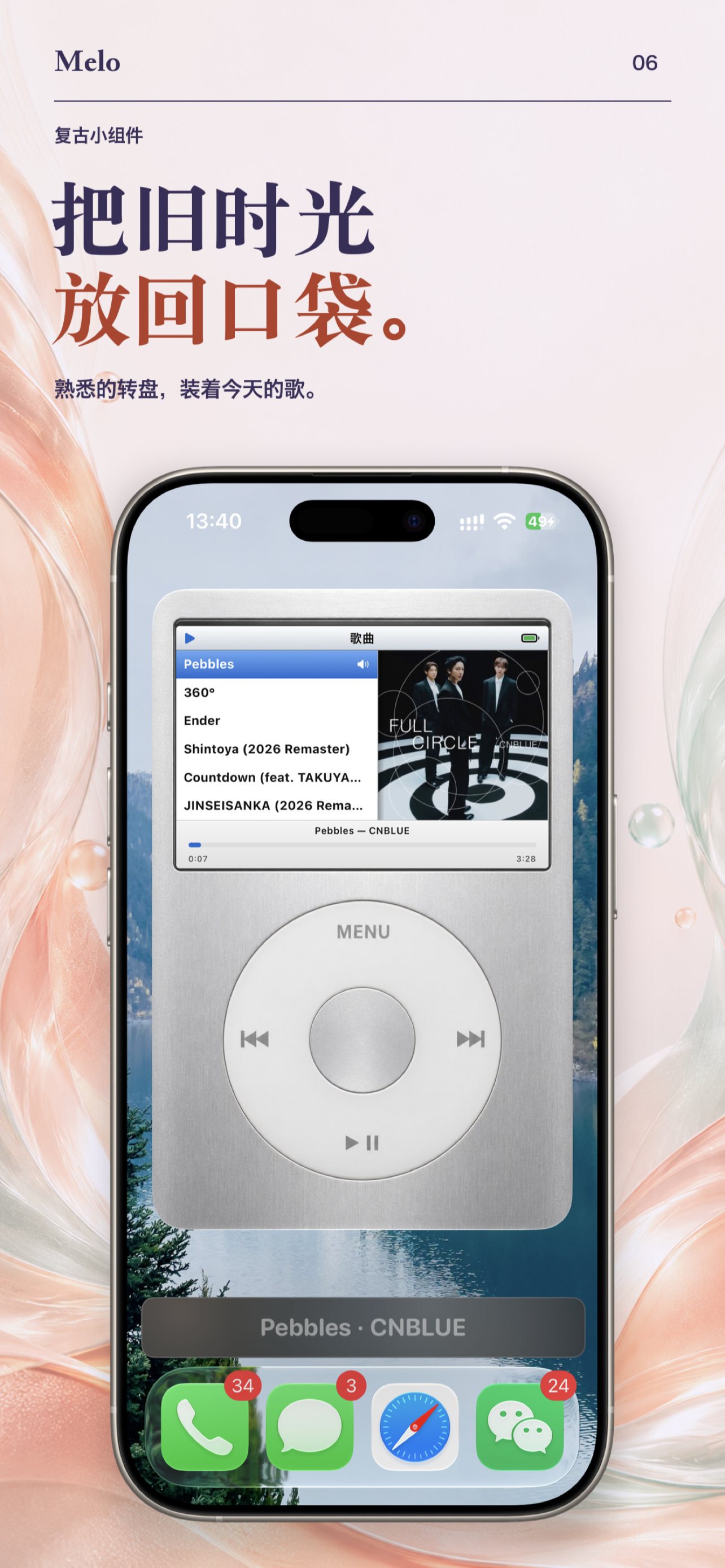
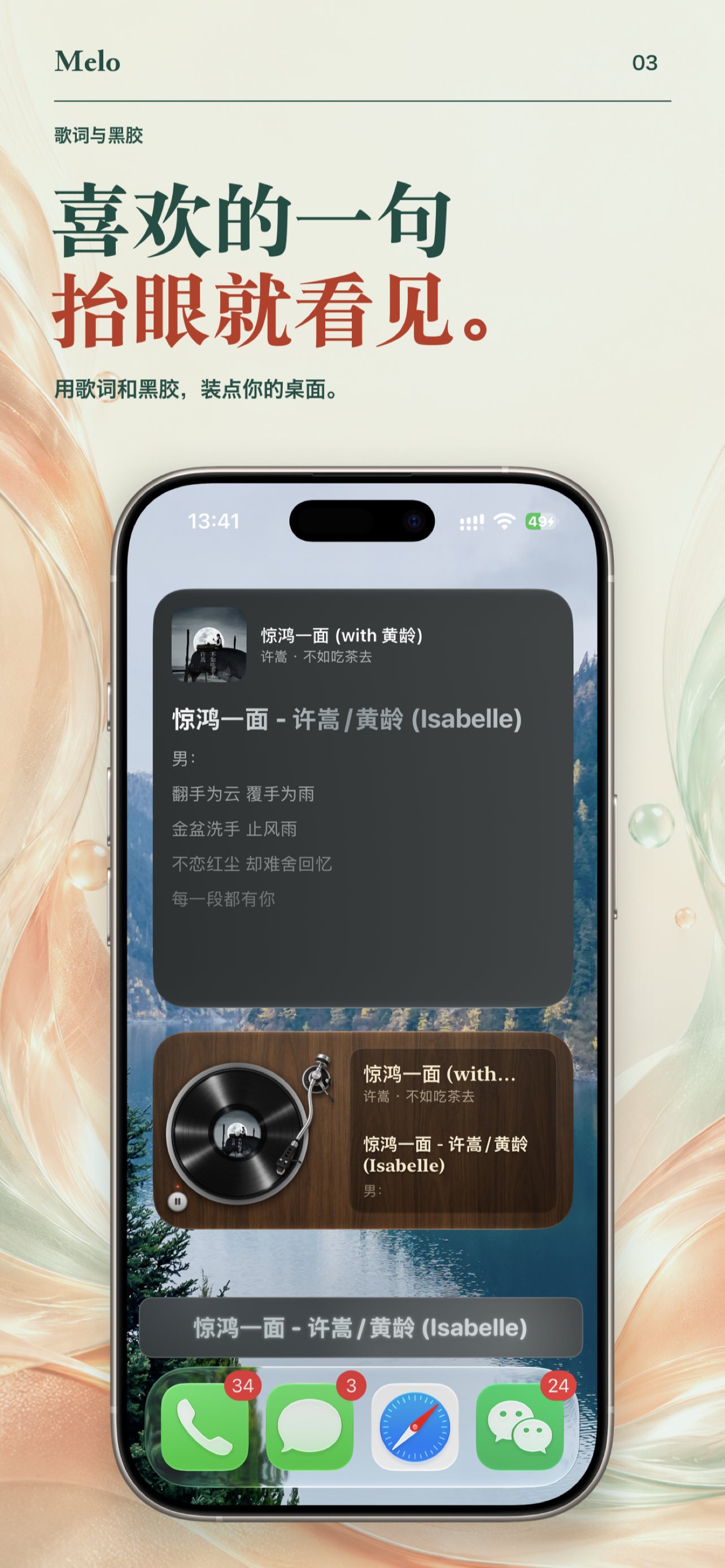
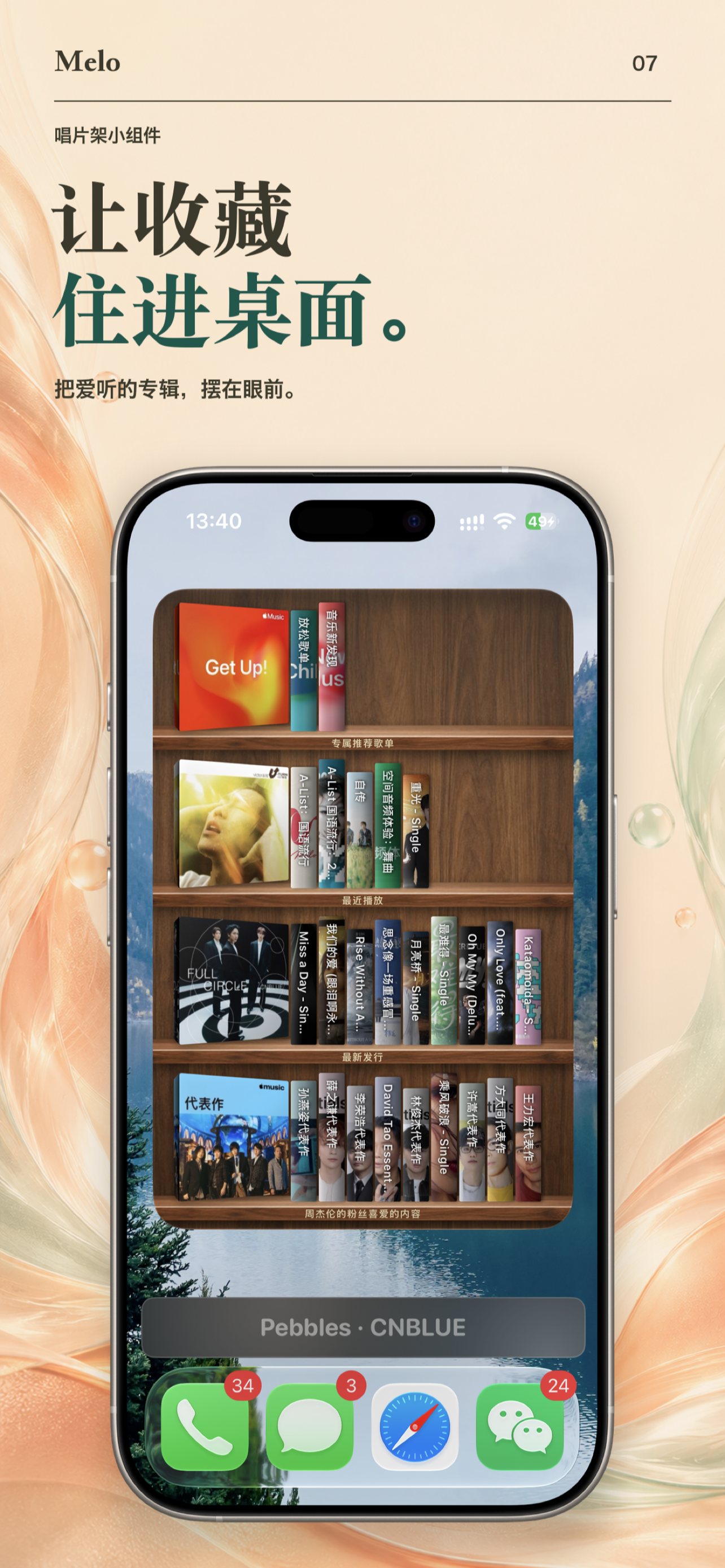
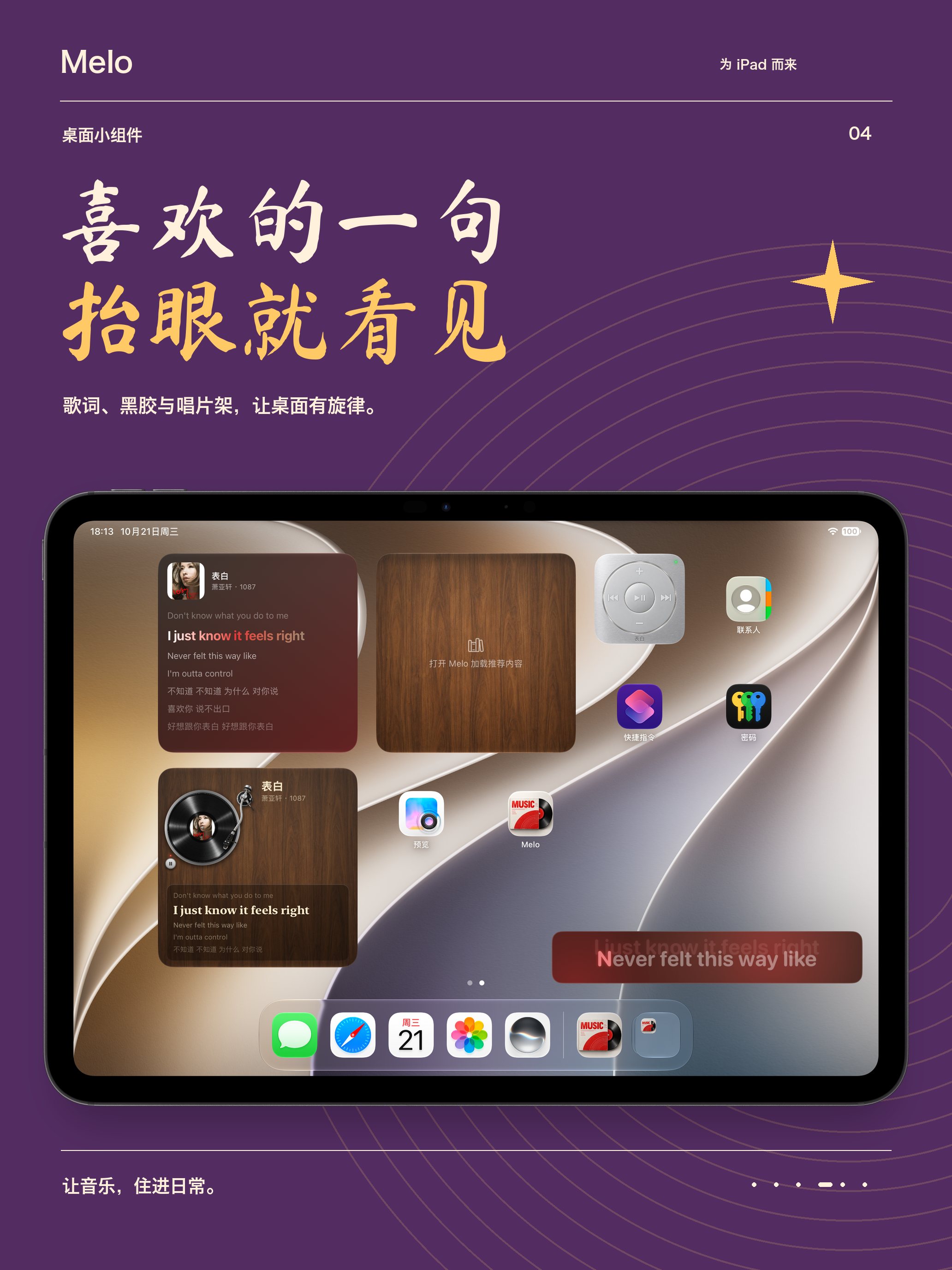
Lyric, vinyl, record-shelf, and iPod-style widgets put your collection on the Home Screen. Follow the current line with Live Activities, Dynamic Island, and picture-in-picture floating lyrics — and give the mini player its own look, from shimmer to neon disco.

iPhone Home Screen with an iPod-style Melo widget
An iPod that actually plays your music
iPhone Home Screen with Melo lyric and vinyl widgets
Lyric & vinyl widgets on the Home Screen

Every Source

A home for all your music.

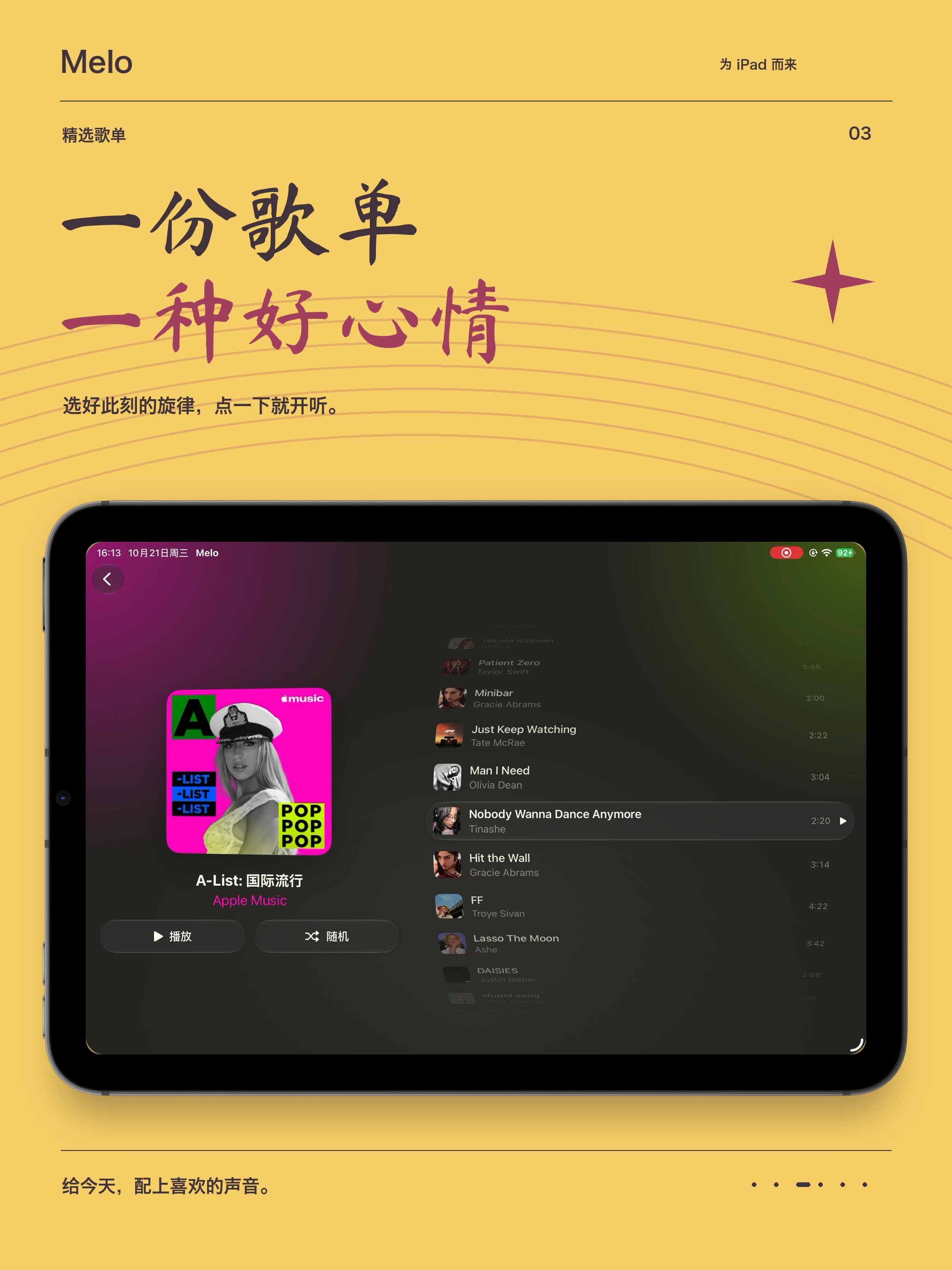
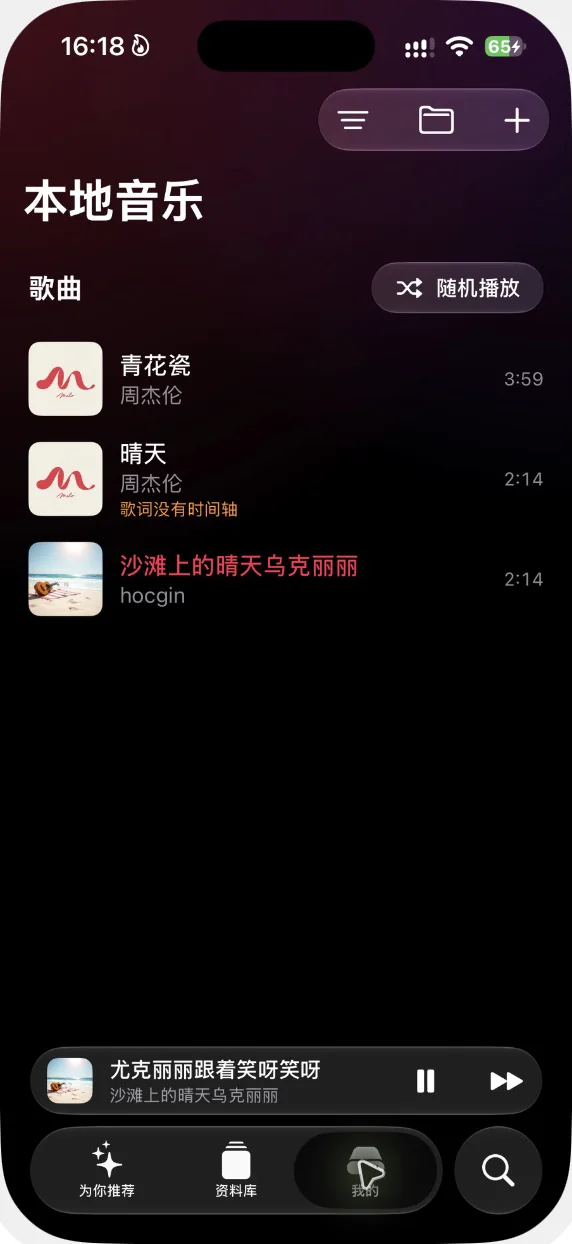
Connect Apple Music to play your library and recommendations. Import MP3, AAC, WAV, FLAC, and more. Mount a folder on your NAS or server over WebDAV, SMB, SFTP, or FTP to browse, cache, and collect your archives. On the same Wi-Fi, upload music and lyrics from your computer’s browser — then shape local and server playback with a ten-band equalizer.

Apple MusicMP3 · AAC · WAV · FLACWebDAV · SMB · SFTP · FTPWi-Fi Transfer10-band EQ

Preview

Thirty seconds inside Melo.

The wall, the lyrics, the widgets — a quick look at how it feels.

Keep & Carry

Save the moment. Bring your playlists.

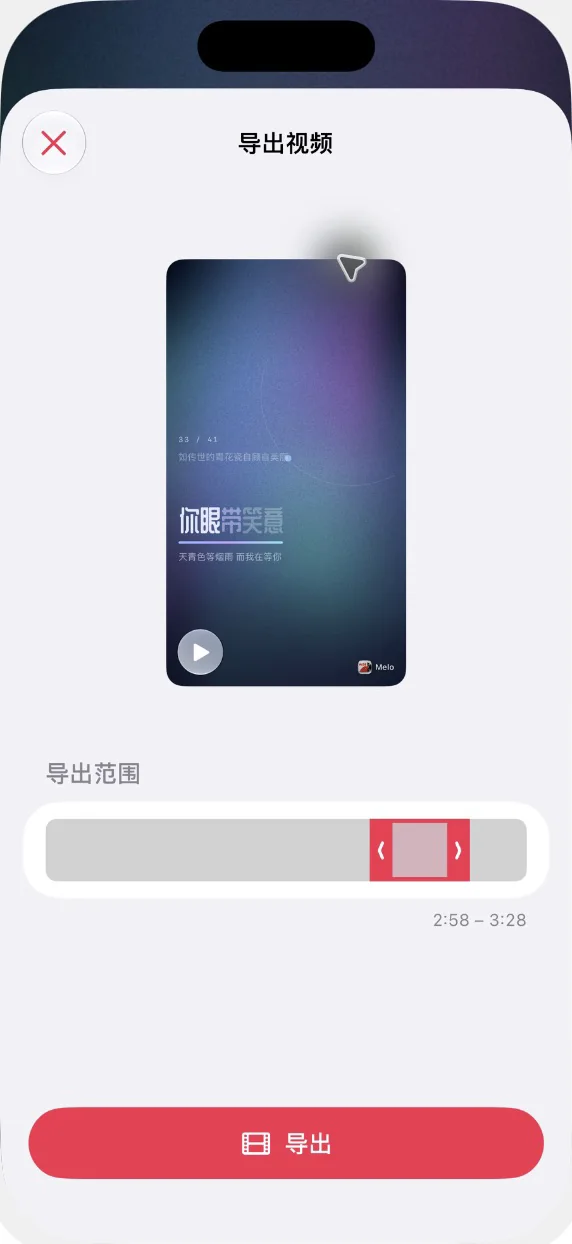
Turn a passage into a video

Pick a favorite part of a song and export its lyrics and immersive visuals as a video, ready to save or share.

Local tracks export with sound; Apple Music tracks are DRM-protected and export silent.

Bring your playlists along

Paste a shared playlist link from NetEase Cloud Music, QQ Music, or Qishui Music, preview the matches in Apple Music, and import your selection.

Name that song

Hear something you love? Built-in music recognition finds its name in seconds.

Good to know

  • No account

    Download and play. There is nothing to sign up for.

  • Imports stay on device

    Music and lyrics you import live in Melo’s storage on your iPhone or iPad.

  • Passwords stay in Keychain

    Server credentials are saved only in this device’s system Keychain.

  • Pro via Apple purchase

    Optional Pro features unlock through Apple’s in-app purchase.

FAQ

Before you press download.

Which devices does Melo support?

Melo runs on iPhone and iPad with iOS or iPadOS 18 or later. Some system features depend on your device and OS version.

Do I need an Apple Music subscription?

No. Melo plays imported local files and NAS servers on its own. Connect Apple Music to also play your library, charts, and recommendations — streaming those requires an active Apple Music subscription, which is not included with Melo Pro.

Where do the lyrics come from?

From local LRC/TXT files you import, or from online sources when a match is found. Not every song has synced lyrics, and playlist migration matches tracks rather than moving audio files.

What does Pro unlock?

Some lyric ambiances, personalization, floating lyrics, Live Activities, playlist migration, and widgets require Melo Pro. What’s included is always shown in the app before you buy.

How do subscriptions work?

Melo offers auto-renewing subscriptions and a one-time lifetime purchase. Prices appear on Apple’s purchase confirmation screen. Cancel in Settings › your name › Subscriptions, at least 24 hours before the period ends; lifetime purchases do not renew.

Melo app icon — a vinyl record sliding out of its sleeve

Give your favorite songs a new look.

Open Melo, connect Apple Music, import your files, or add a server — and make it your moment.

Download on the App Store

iPhone & iPad · iOS 18 or later